
We deliver better insights and actionable data in one operational platform.
Get StartedRequest Free Demo
Any Channel, Any Device, Any Audience
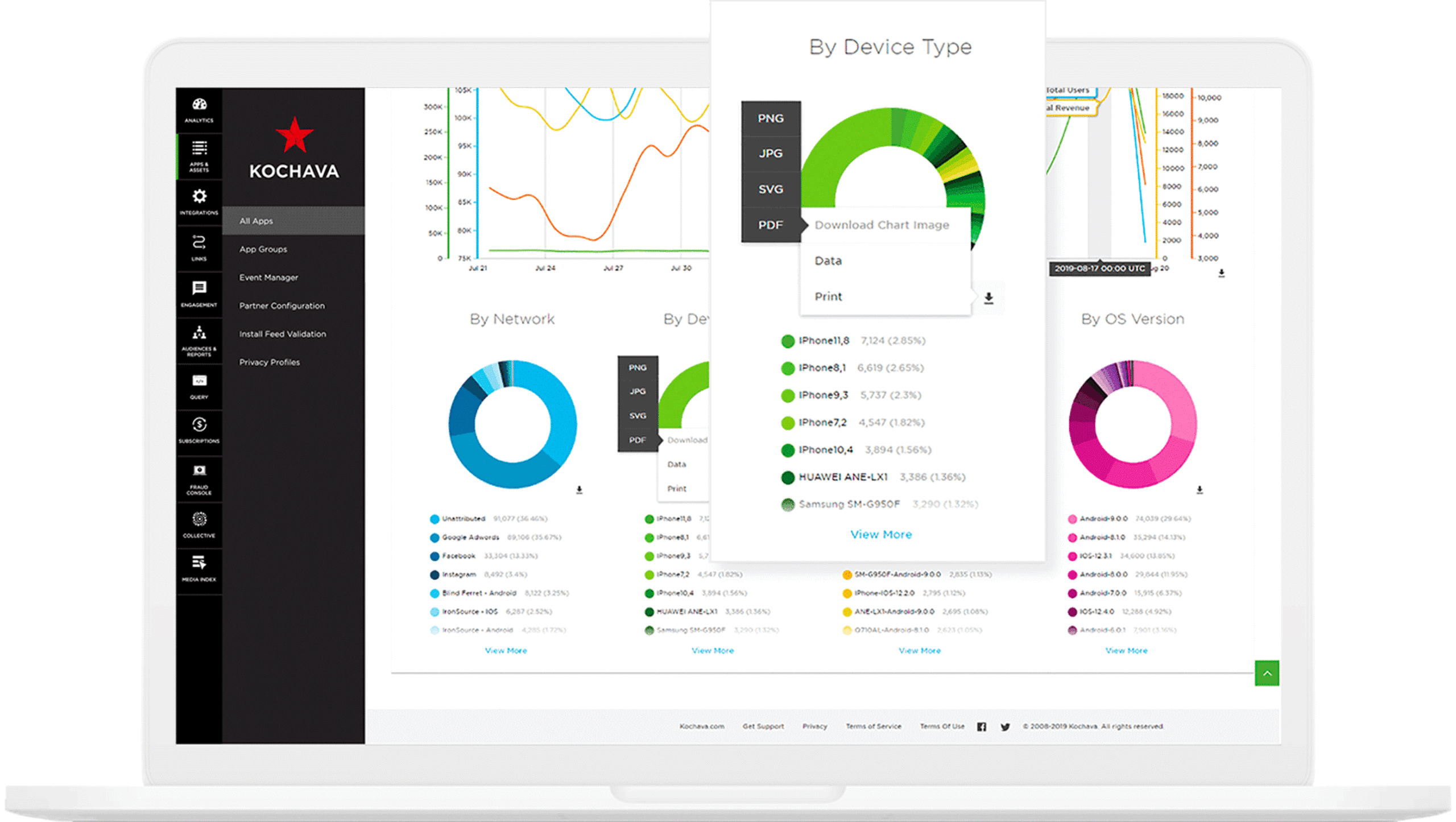
Measure Everything with Kochava, Your Mobile Measurement Partner (MMP)
Paid Media
- Super Publishers (Facebook, Google, TikTok, Twitter, Snap, etc)
- Traditional Ad Networks & DSPs
- SKAdNetwork Certified Partners
- Affiliates
- Influencers
- 4,500+ Certified Integrations
Owned Media
- Social
- Blog
- Website (Banner Ads)
- QR Codes
- Referrals
- Owned Channels (Partners)
- Cross-Promotion
Devices & Platforms
- Mobile (iOS, Android, Huawei)
- Web
- Desktop (Windows, Mac)
- Gaming (Xbox, PlayStation)
- CTV (Roku, Fire TV, Apple TV, Vizio, etc)
- Virtual Reality (VR)
- Connected Home
Advanced Paid Media
- Out-of-Home
- Digital-Out-of-Home
- Advanced TV
- Linear TV
Advanced Partnerships
- Outdoor (Clear Channel Outdoor, LAMAR, etc)
- Advanced TV (Roku, Vizio, LG Ads)
- In-Game Ads (Frameplay, Adverty, AdMix, etc)
The Marketers Operating System®
The Marketers Operating System® (m/OS) seamlessly integrates omni-channel marketing solutions for advertisers and publishers in one operational system.
It’s time for a smarter marketing tech stack; one that harnesses the power of best-in-class solutions to scale your business.
The m/OS is the flexible, scalable, operational platform that supports all phases of your marketing strategy; Attract, Engage, Analyze and Optimize. With the Marketers Operating System you can:
- Capitalize on your current technology capabilities
- From snapshot to deep-dive, use one login for all your performance views and optimization tools
- Leverage privacy-first data for better customer experiences and audience growth
- Streamline your MarTech stack
- Get more from all your tools with our API-first solutions and so much more.
While the power of the Marketers Operating System is best leveraged across a portfolio of digital properties, you can start small with a single app or a limited portfolio to see if it’s right for you.
Latest Highlights
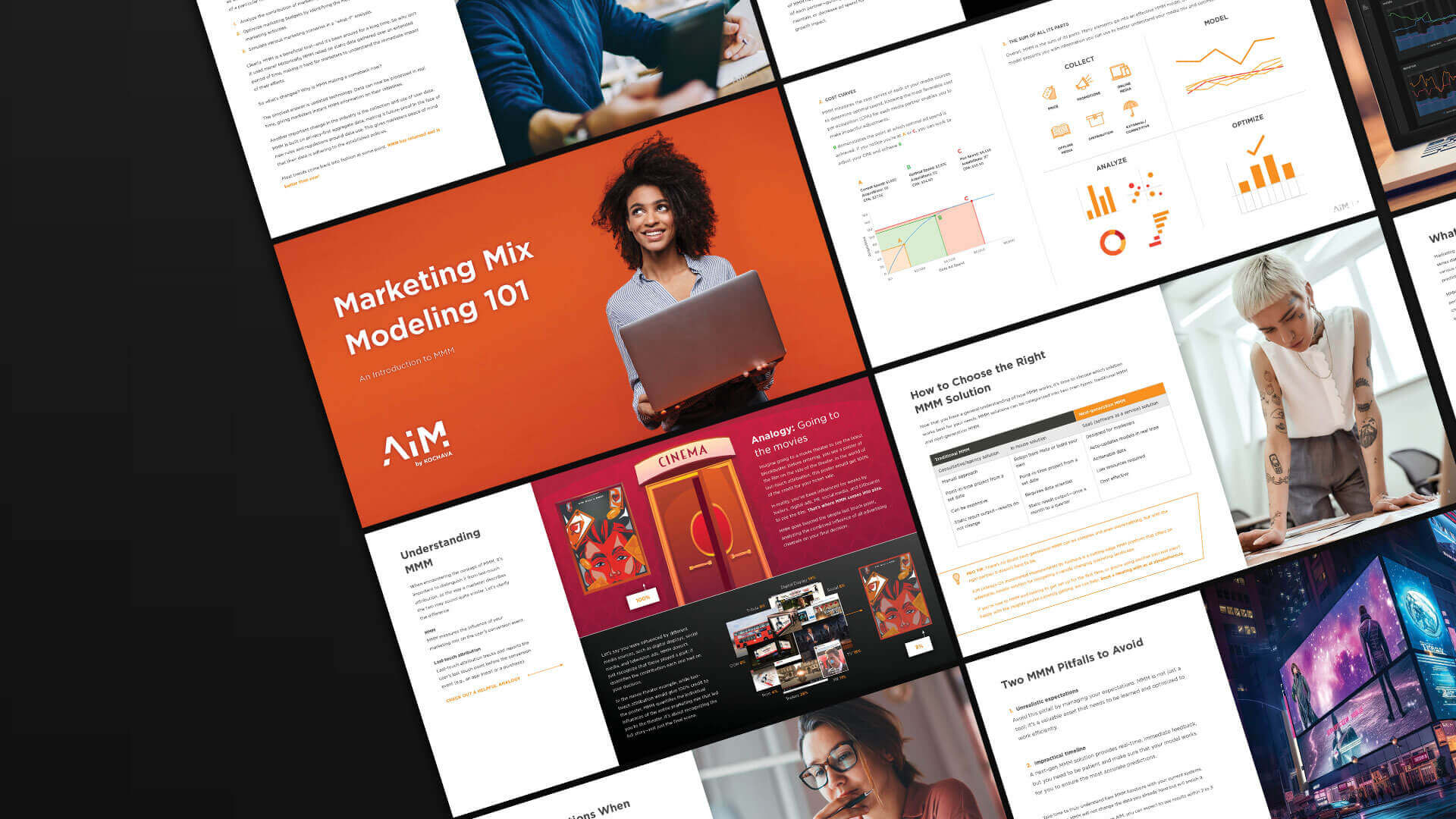
MMM 101
An Introduction to Marketing Mix Modeling
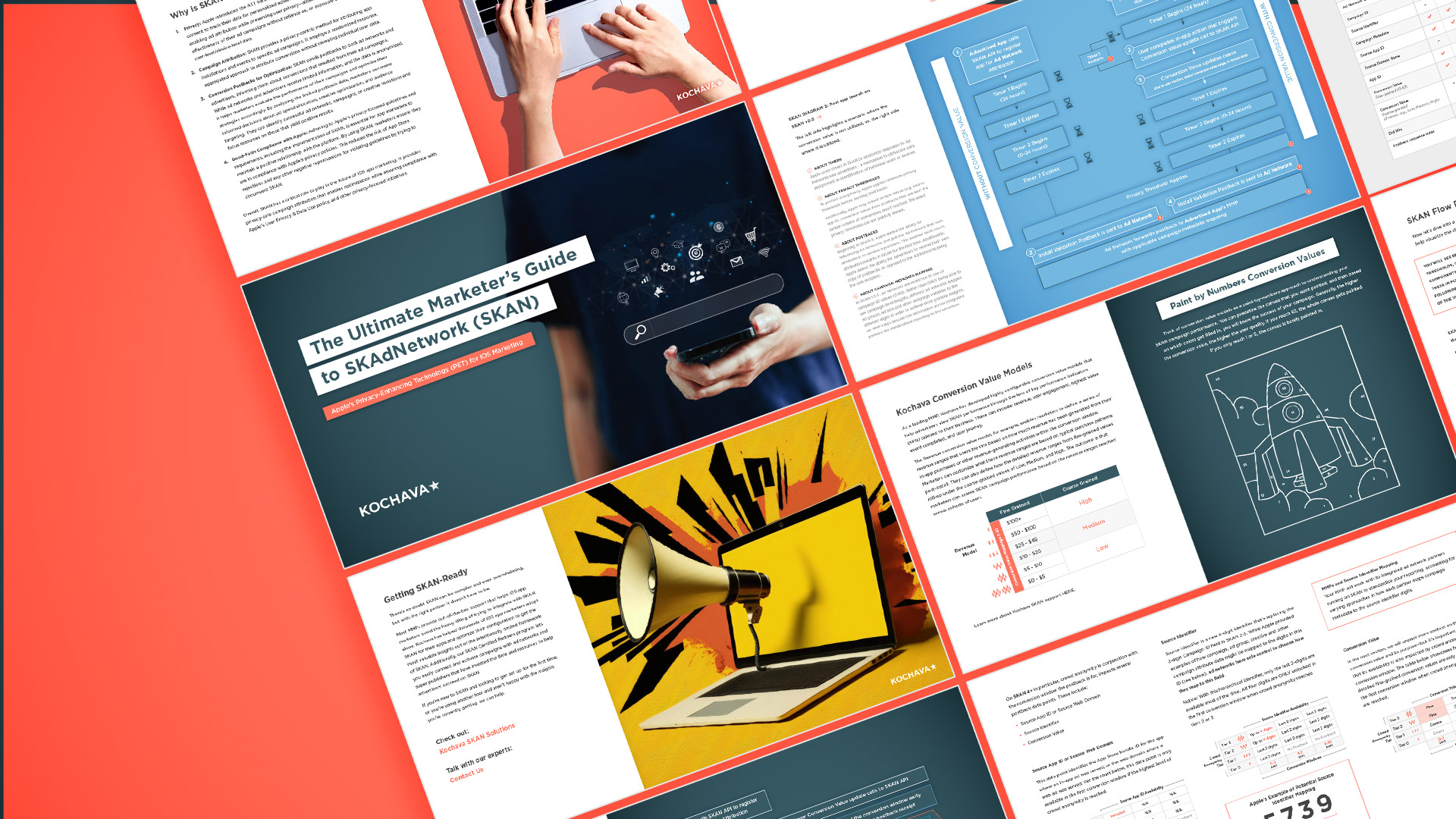
The Ultimate Marketer’s Guide to SKAdNetwork (SKAN)
Apple’s Privacy-Enhancing Technology (PET) for iOS marketing
Are You Investing in OTT and CTV Advertising?
We Can Help!

Aided by Kochava Experts, Uber Recovers Millions from Ad Fraud Scheme
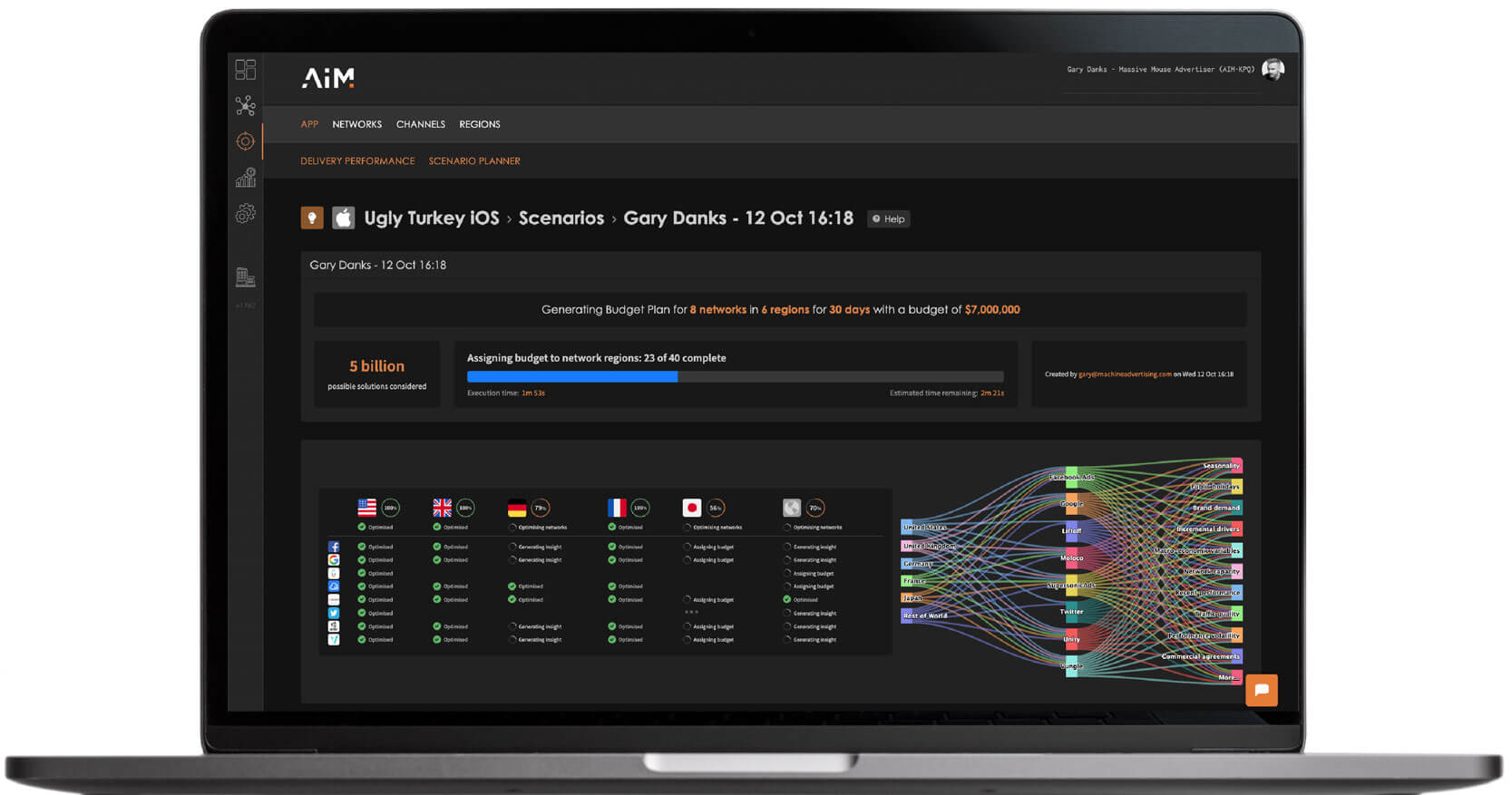
Marketing Mix Modeling (MMM) 101
A 3-Part Series of 20-Minute Webinars
See How Marketers and Publishers Succeed with Kochava



Why Choose Kochava?



Have questions or want to see the product live?
Request a demo or get started by reviewing our pricing options.